What Is a Portable Game? How to Play Free Games on Any PC Without Installing
A portable game is a game you can carry on a USB flash drive and run on almost any Windows computer without installing it. You plug in the drive, open the game folder, double-click the game file, and play. When you finish, you close the game, remove the drive, and the host computer is left clean, with no game files, no registry changes, and no extra programs.
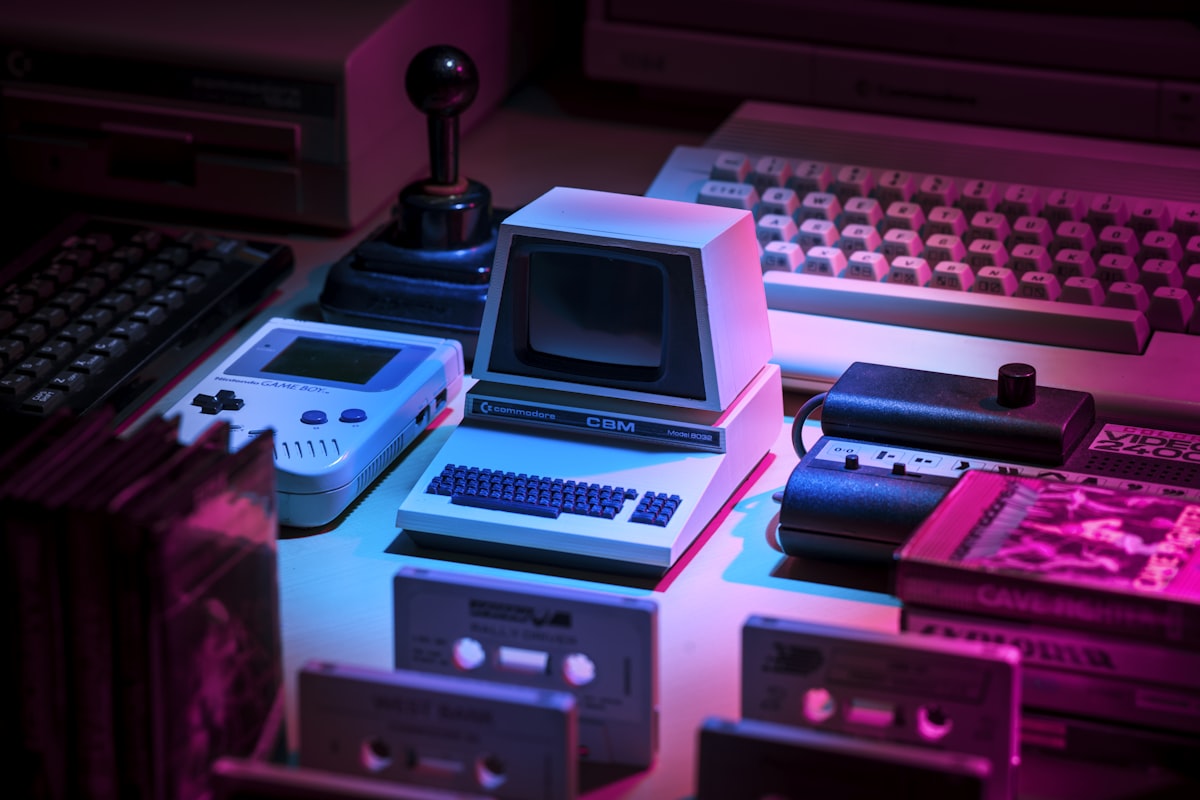
Photo: a retro gaming setup. Image by Unsplash.
What makes a game portable?
A game is portable when all the files it needs are inside one folder. Its settings and saved games are stored in that same folder, or in a small file next to the game, instead of in system folders. That is the whole idea. If a game writes its saves to your Documents folder or needs an installer to add files to Windows, it is not truly portable.
Most portable games are small, free, and made for older or simpler hardware. Many are open-source games, classic remakes, puzzle games, and small arcade games. They are a good fit for school computers, library computers, a borrowed laptop, or an old PC that cannot run large modern games.
How to run a portable game from a USB drive
- Use a fast, reliable USB drive. A USB 3 drive with at least 8 GB of free space works well. Keep a backup copy of your game folder on your own computer.
- Keep each game in its own folder. Use a clear name, such as Portable Games - Chess, so you can find it quickly.
- Open the folder and look for the game file. It is usually an .exe file with the game name, sometimes called game.exe or start.exe.
- Double-click that file to play. Do not run setup files unless the game really needs a first-time setup, and read what the setup does first.
- Save inside the game folder. Before you unplug the drive, close the game completely so your saved game is written to the drive.
- Use Safely Remove Hardware. In Windows, eject the USB drive before you pull it out, so no save file is lost.
Why portable games are useful
Portable games save time and space. You do not need administrator rights to install them, you do not need to download the same game on every computer, and you can take your saved games with you. They are also useful for trying a game before you decide whether you want a fuller installed version.
For families, portable games are a simple way to keep games in one place. A parent can keep a small collection of puzzle, racing, and arcade games on one drive and hand it to a child on a computer that has no games installed.
Stay safe when you download portable games
Only download games from the game maker’s own website or from a well-known open-source project page. Avoid sites that bundle a game with extra installers, toolbars, or download managers. Scan any new download with your antivirus program, and do not open a file that asks for a password or asks you to turn off your security software.
Check the game’s system requirements before you play. A game made for Windows XP may need compatibility mode on Windows 10 or 11, and a very old game may need a small compatibility setting to show its window correctly.
Start with a small collection
Begin with three or four games in different styles: one puzzle game, one racing game, one arcade game, and one strategy game. Play each one for a short session, learn its controls, and keep only the games you enjoy. A small, well-chosen collection is much better than a drive full of games you never open.
Portable games are a practical, low-cost way to play on any computer. With one USB drive and a few good games, you can play wherever you go, without installing anything.
0 Comments: